Unreal Tech Demo is a small project I made as a way to test out using Unreal Engine 5 and its blueprints system. I used it as a platform to develop features for a small horror game.
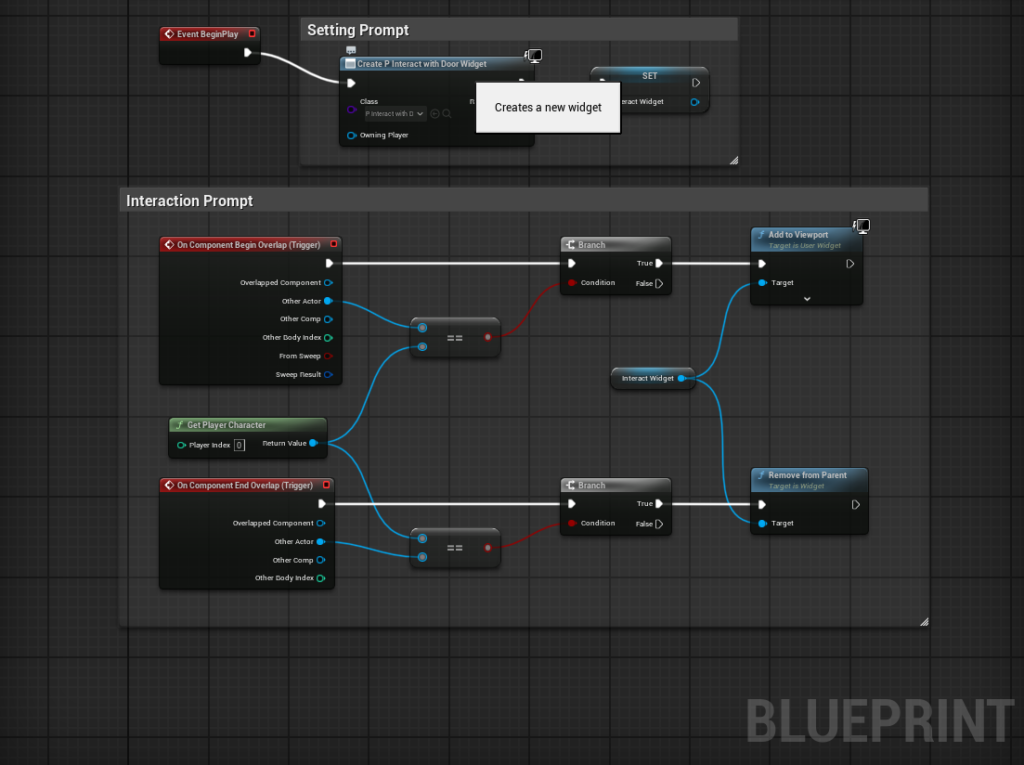
“Unreal Tech Demo” is a solo project I did as part of my “Emerging Technologies” course at NSCC. The idea with this project was to get the opportunity to use other game engines. I choose to work on Unreal Engine and test out its visual scripting language (blueprints). Here’s some key learnings I made when trying things out with this project.
Visual Scripting
The first and most important thing I learned was the basics of visual scripting in Unreal Engine. Though visual scripting is not my preferred method of “coding” I must admit that it’s capabilities and speed are impressive. It will be a useful tool when prototyping systems or making small systems for projects like gamejams.
Animations & Timelines
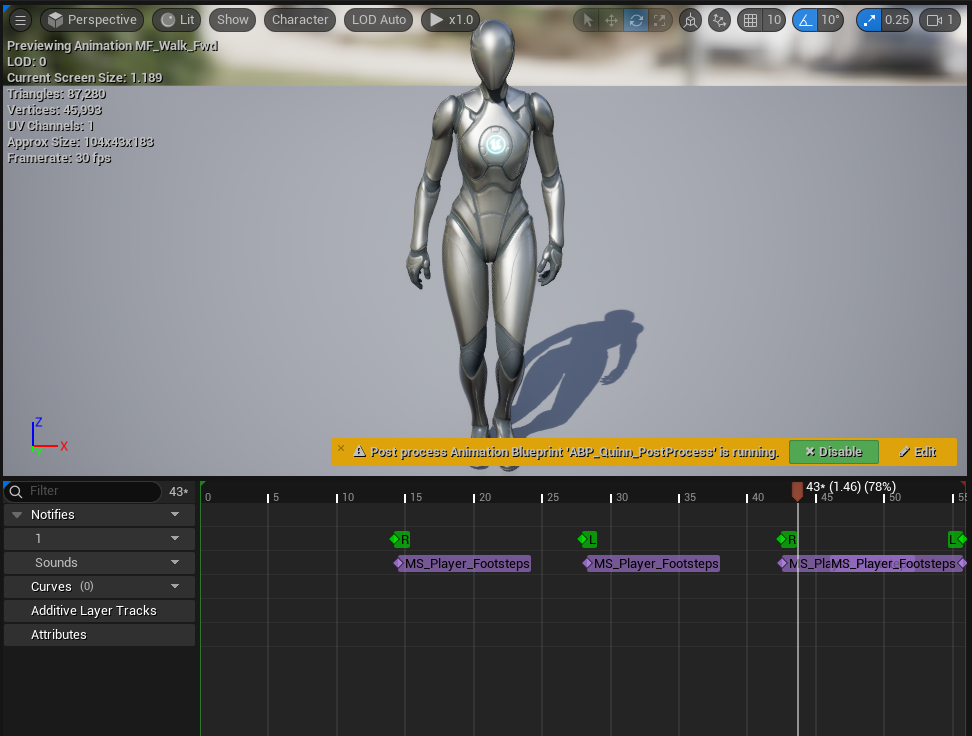
During my experimentation with Unreal Engine I discovered the animations and timelines give unreal feature parity with Unity’s own animation system. Key frames allow for easy animations while animation events allow for timed calls for functionality in time with the animation.
Audio System
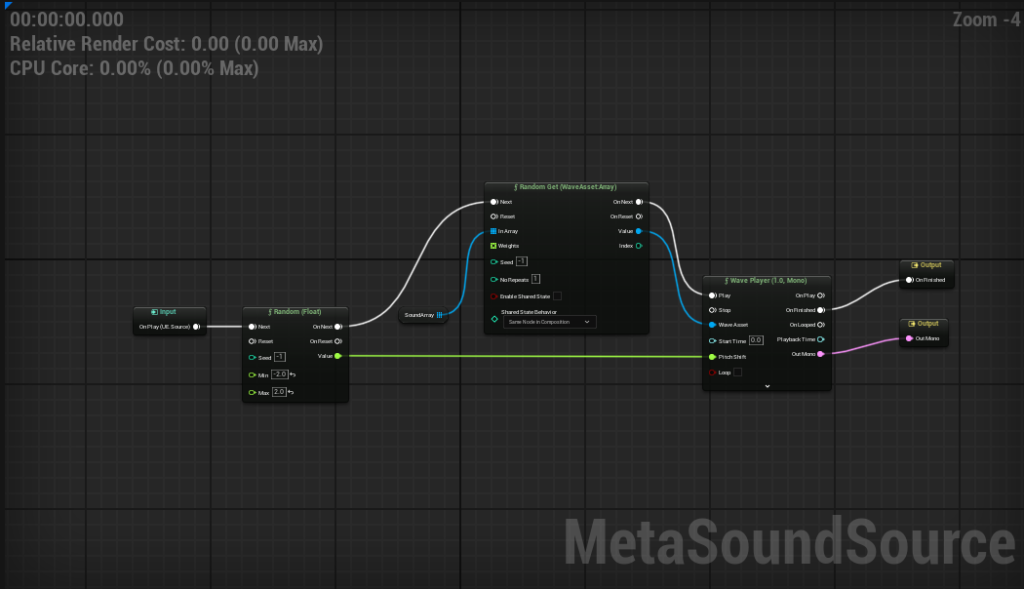
The thing I was most impressed by while trying out systems in unreal was it’s sound system. The audio systems in Unreal allow for functionality out of the box that require considerably more work in other engines like Unity. For example, pitch modulation is natively supported with meta sounds, and sound sources can be set to be occluded my meshes in the world.